YouGooDai
Mobile of the Day

YouGooDai

5.0 FREE
  • Screenshot 1
  • Screenshot 2
  • Screenshot 3

Description

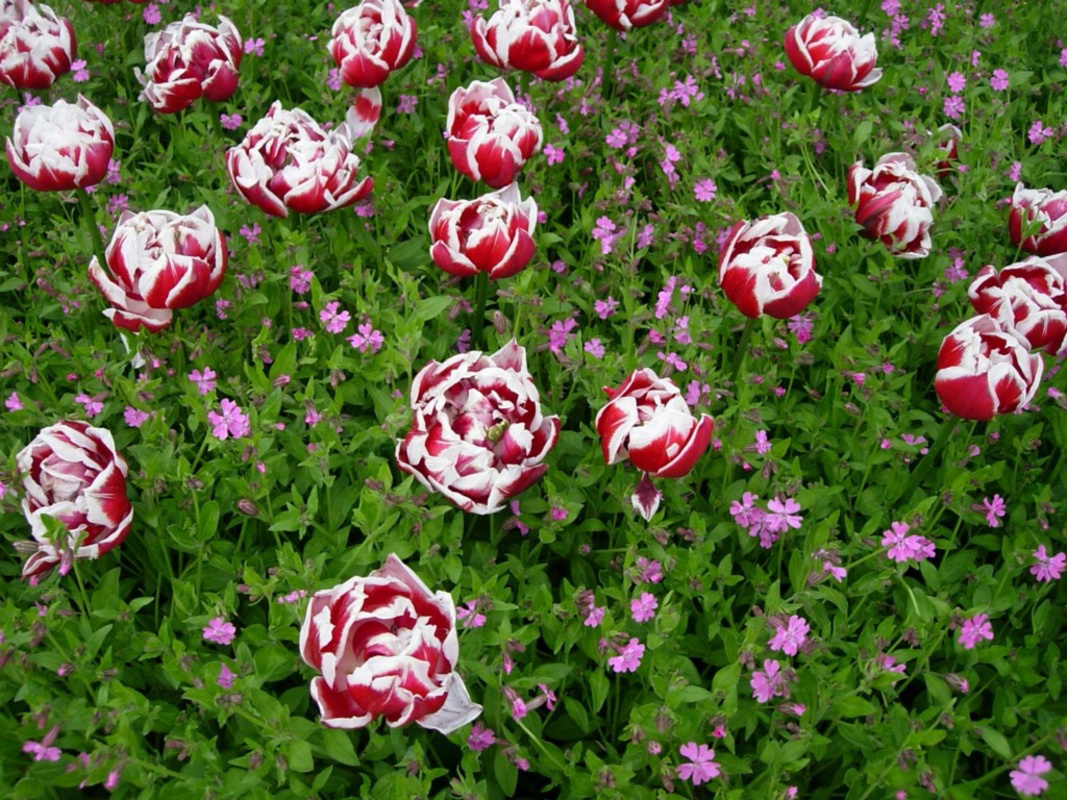
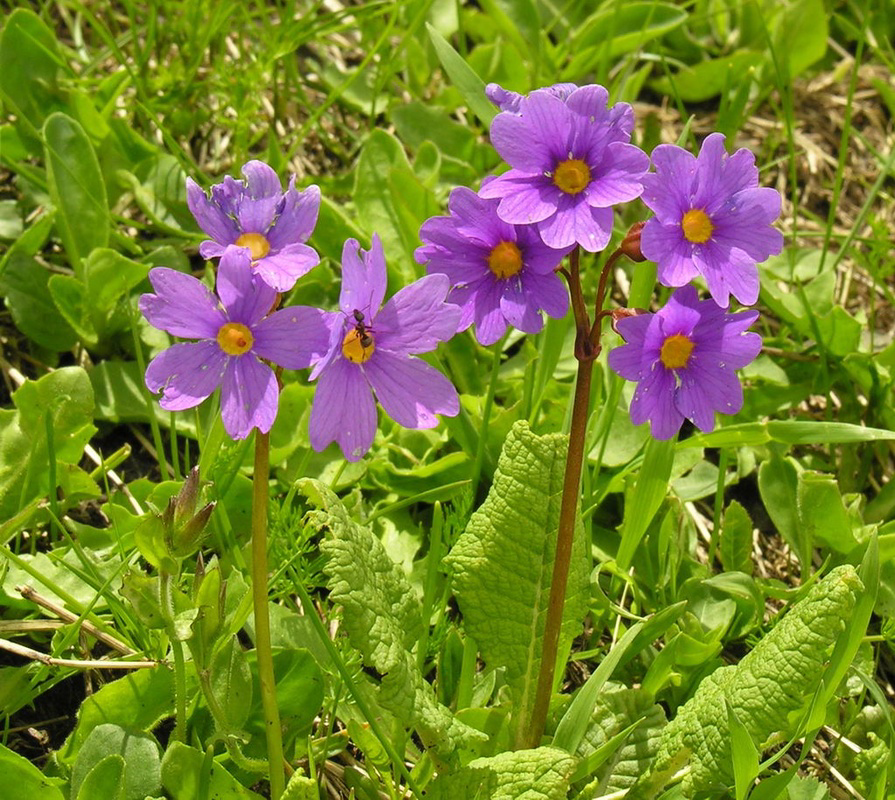
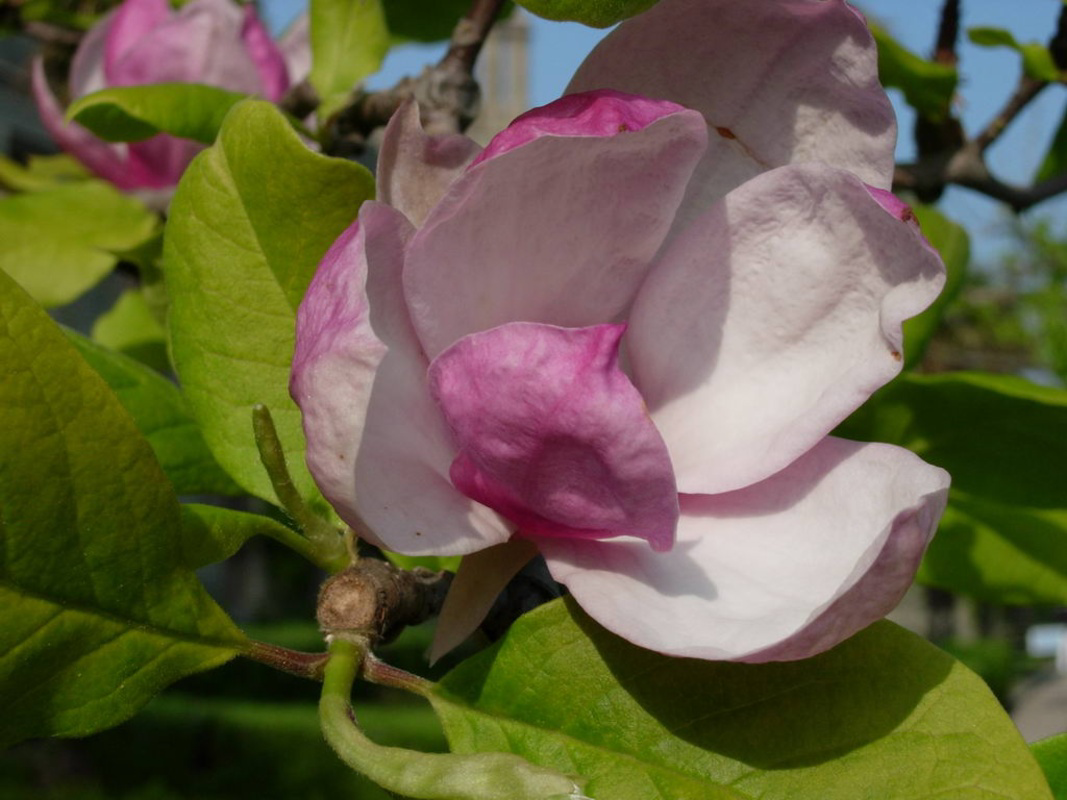
About Wild Flowers ScreensaverFor nature enthusiasts, the Wild Flowers Screensaver serves as a stunning visual treat for any computer screen. Featuring 17 high-resolution images of colorful flowers, this screensaver transforms your idle time into a serene experience. It includes comprehensive customization options, allowing users to tailor transitions and image settings according to their preferences. One of its standout features is the ability to set the final displayed image as your desktop wallpaper, enhancing the connection to the beauty on display. Features of Wild Flowers Screensaver - High-Resolution Images: Wild Flowers Screensaver boasts 17 stunning high-resolution images that showcase vibrant flowers in their natural beauty. Each image immerses viewers in a world of color, making it perfect for nature lovers and photography enthusiasts alike. - Customizable Transitions: The screensaver features a comprehensive setup panel that allows users to adjust the type and duration of transitions. Whether you're looking for a smooth fade or a more dynamic change, you can customize how the images transition to suit your taste. - Image Display Options: Users can control the order and duration of images displayed on the screen, allowing for a tailored viewing experience. Additionally, the screensaver enables images to fit perfectly to the screen's borders, preventing any distortion or cropping. - Set Desktop Wallpaper: A unique feature of Wild Flowers Screensaver is the option to automatically set the last image shown as your desktop wallpaper. This functionality not only enhances your screen’s aesthetic but also allows a seamless blend of screensaver and desktop visuals. Release Date of Wild Flowers Screensaver 2007-01-17Reviewed by Arnold A. HoweShow MoreShow Less

Guides & Tutorials for Wild Flowers Screensaver

How to install Wild Flowers Screensaver
  1. Click the Preview / Download button above.
  2. Once redirected, accept the terms and click Install.
  3. Wait for the Wild Flowers Screensaver download to finish on your device.
How to use Wild Flowers Screensaver

This software is primarily used for its core features described above. Open the app after installation to explore its capabilities.

User Reviews for Wild Flowers Screensaver 0

    No reviews found

Similar Apps
